
What we do
Integrations and add-ons
You have a site that brings you inquiries. You have accounting software you do not want to replace. You need not replace either.
Where things get retyped today
- Your site has an inquiry form and you type the price back into it by hand.
- A finished order gets typed a second time into your accounting software.
- A colleague who left in the spring still has access.
What you gain
- Inquiries arrive complete outside working hours too.
- A finished order is never retyped somewhere else.
- Access closes itself when somebody leaves.
On your own site
The simplest connection: copy two lines and paste them into your site.
Two lines into your page
Send them to whoever runs your site and the calculator appears there. A customer gets a price at night too, when nobody picks up the phone.
And you know at once whether it works
You see how often the calculator was shown, how many uploaded a part and how many became inquiries.
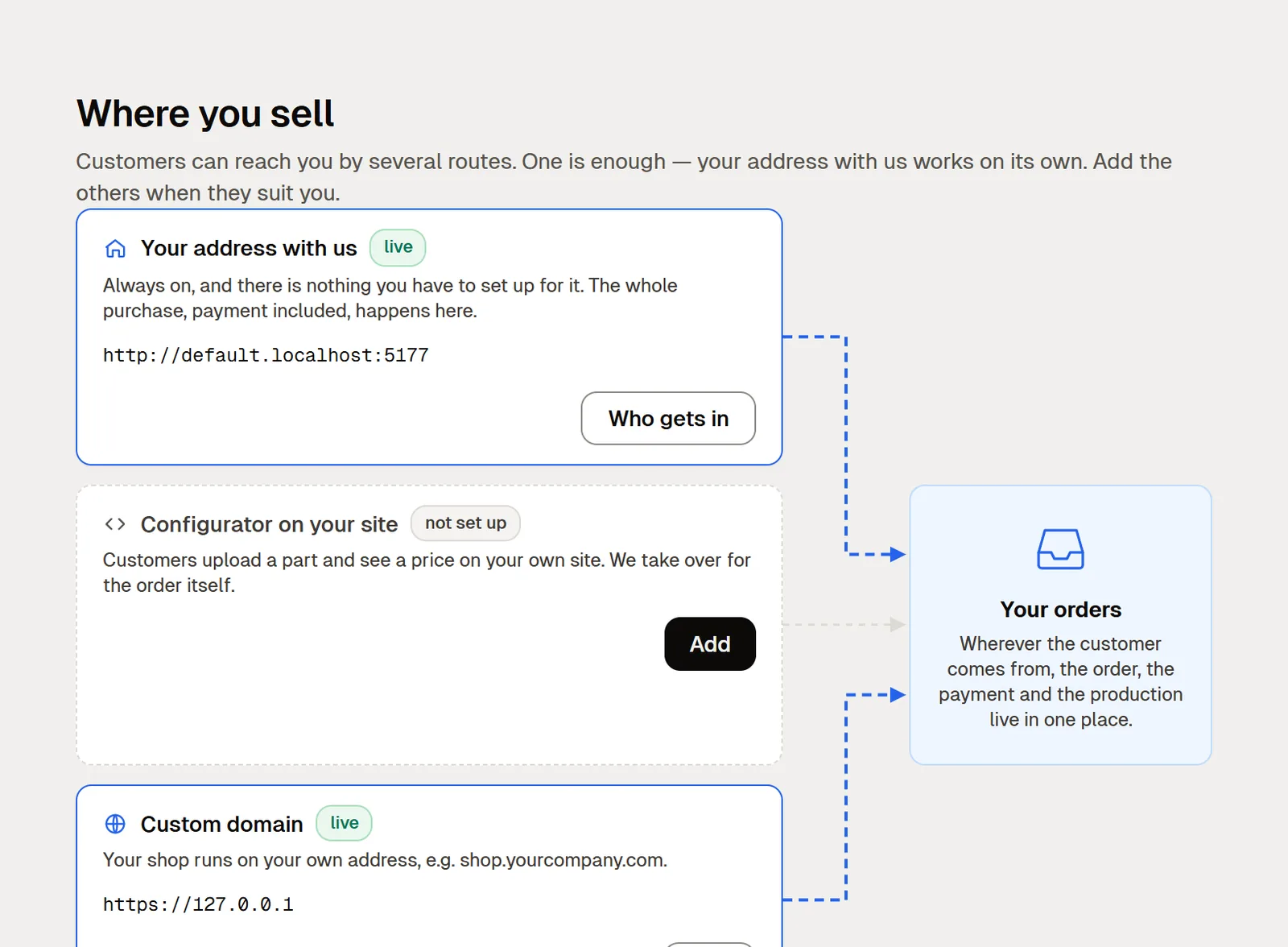
Apps and connectors
In one place, along with what each one is currently doing.
You switch an extension on as an app
Nesting, for instance, which lays parts out on a sheet. You pay only for what you actually use.
The order lands in your own systemfrom Pro up
Automatic transfers are available through specific connectors. Each app lists the supported systems and the data it transfers.
You can tell when it stops deliveringfrom Pro up
For each connection you see whether the last transfer went through. You spot an outage before your accountant does at month end.
For companies with their own IT
Your own integration
A programmer sets this part up. If you do not have one, skip it.
Your program downloads the datafrom Pro up
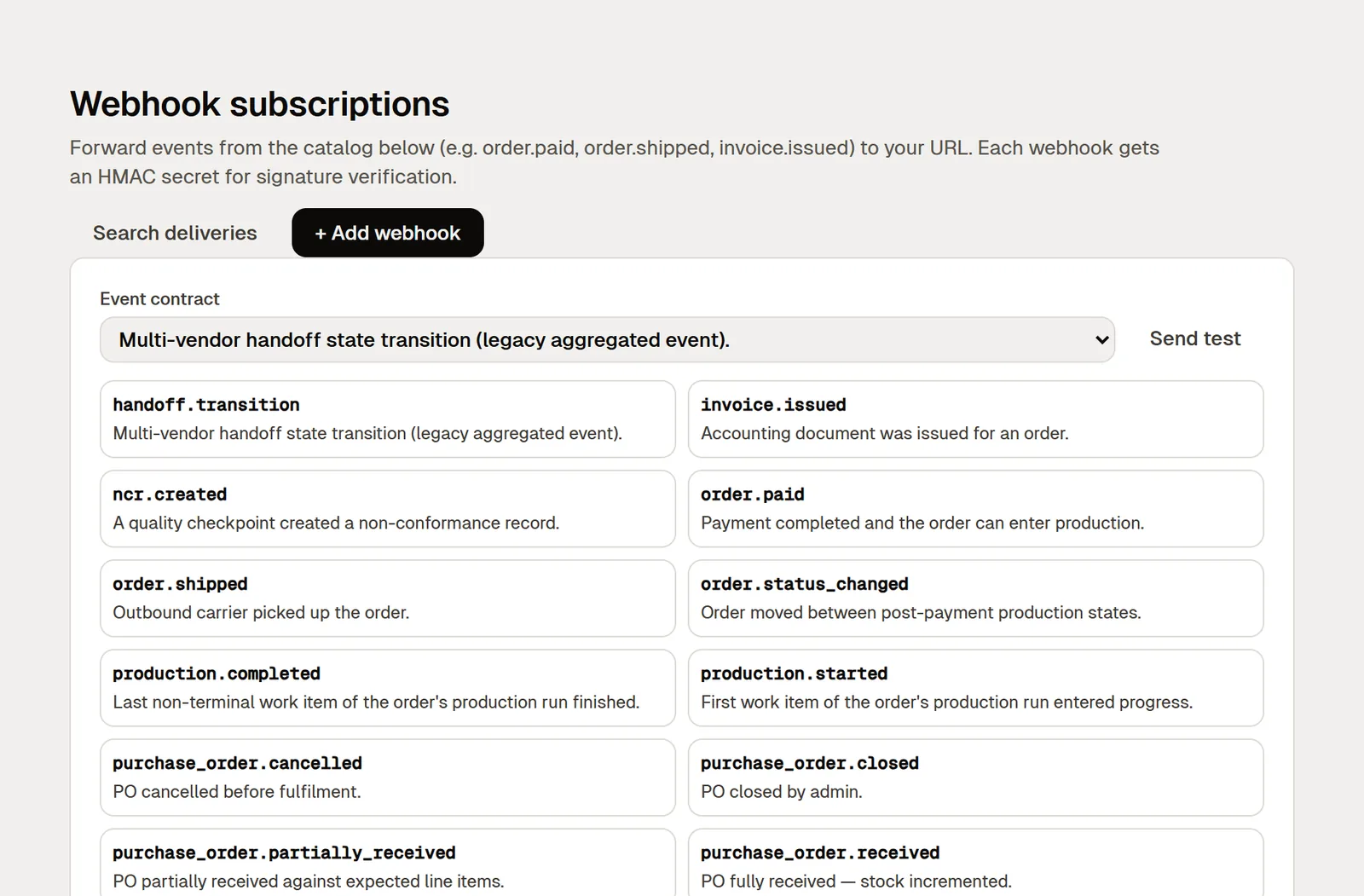
Your own program (not Excel) downloads orders, quotes and invoices through the API. You need a programmer for it.
A separate access key for each purposefrom Pro up
Each key can do only what you allow, and you see it in full only once, when you create it. An outside firm gets access to just what it needs.
The machine reports its own outputfrom Business up
It sends the inspection verdict, the event on the operation and the piece count. Your operator stops retyping numbers off a display.
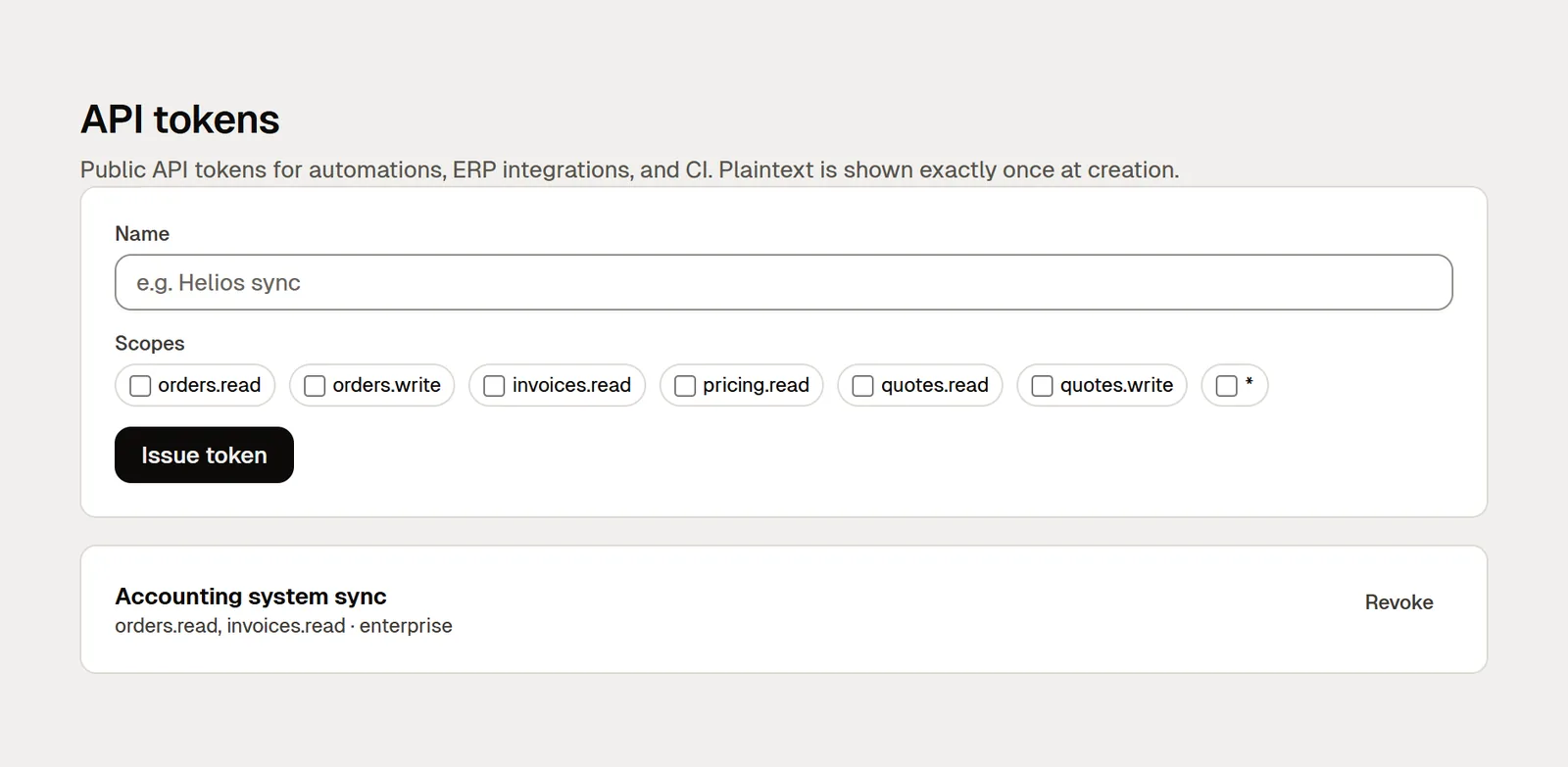
Your program hears at oncefrom Business up
Your other program gets a message straight away when a customer pays, a shipment leaves or an invoice is issued. It does not have to keep asking.
For companies with their own IT
Sign-in and the paper trail
Company sign-in and access management. Whoever looks after your computers sets it up.
Sign in with a company accountfrom Business up
People sign in with the account they already use for company email (Google Workspace, Microsoft Entra, Okta or Auth0). A new colleague can sign in on day one.
Sign-in through your company system (SAML)from Business up
Your administrator pastes in your company sign-in settings, and they are checked before saving.
Accounts open and close themselvesfrom Enterprise up
Whoever joins gets access from your company directory. Whoever leaves loses it without anyone having to remember.
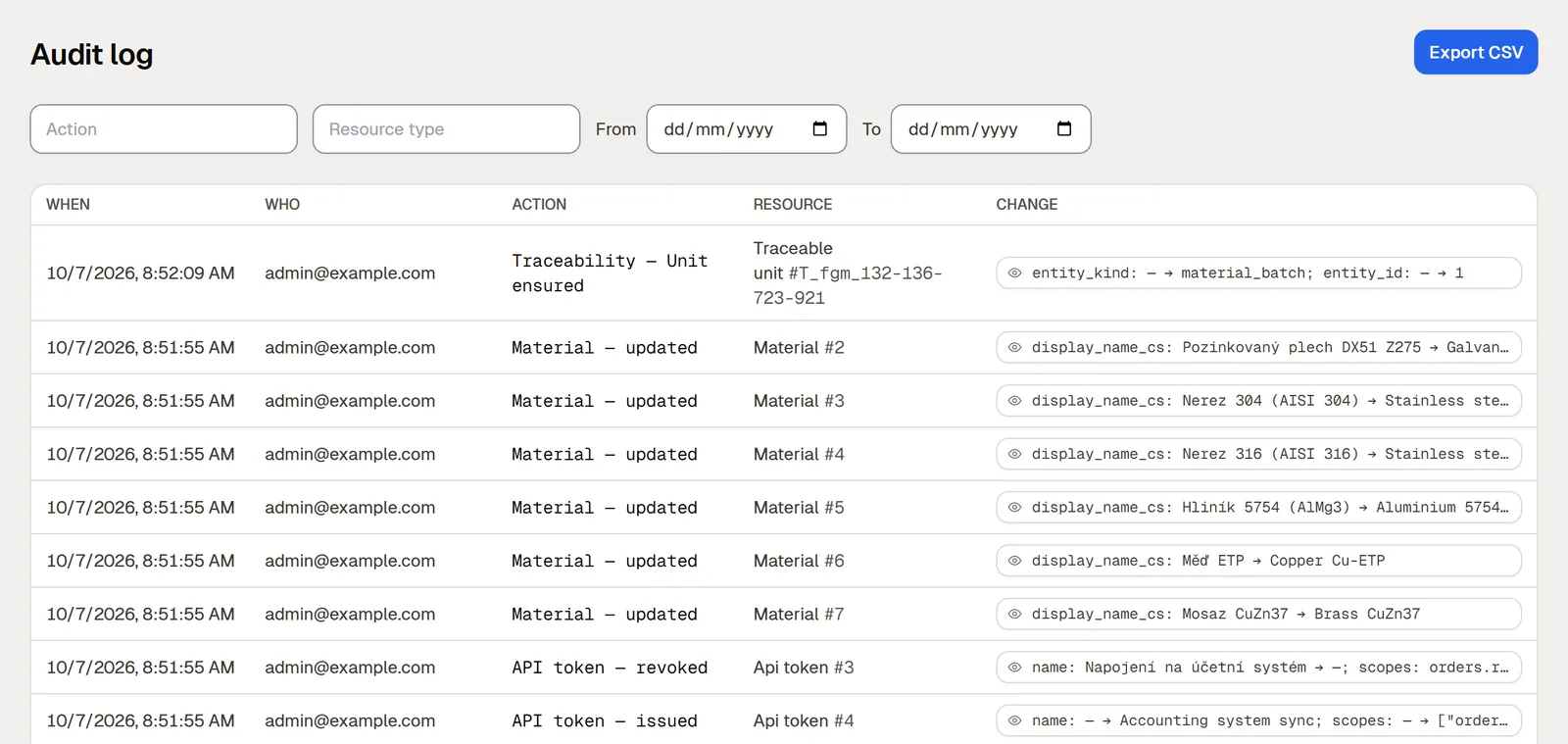
Who changed that ratefrom Pro up
The audit trail says when, who, what they did, and the value before and after the change.
Before you go live
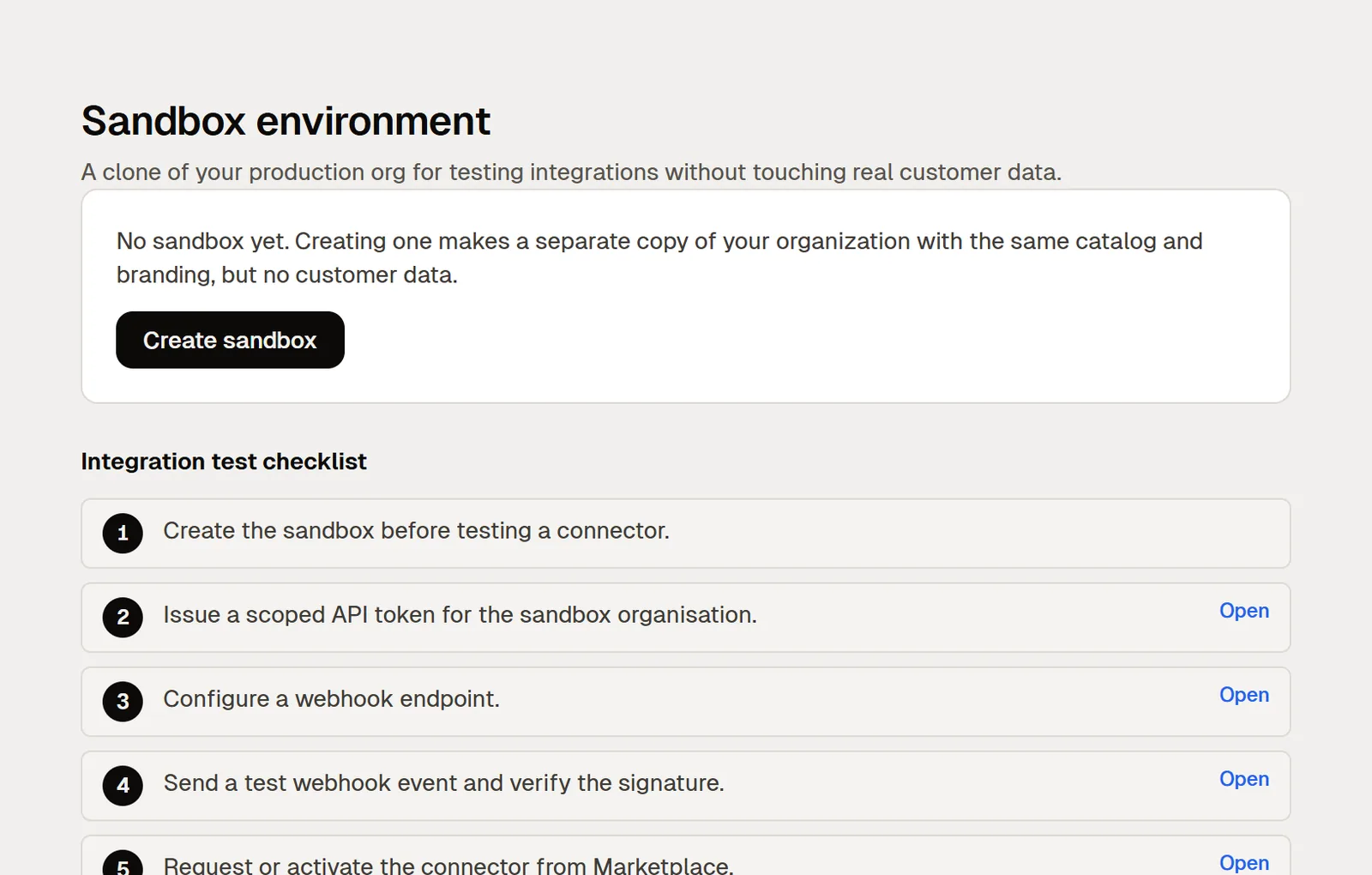
Try it on a copyfrom Enterprise up
A separate copy of your shop takes the materials, the finishes and your look. You debug an integration without risking live data.
You can take your data with you
A full export is yours to download, on every plan including the free one. You are not locked in with us.
Try it on your own site
Two lines in your page work on every plan. The rest can wait until you need it.